




Yahoo! attempts to take “the terabyte” to the masses

How can you not be pulling for Yahoo CEO Marissa Meyer. In less than a year as CEO, Yahoo stock is up 70%. Incredibly, yesterday’s close of $26.58 is not far from the $33/share that Microsoft offered when it tried to acquire the Internet pioneer 5 years ago; a price many thought the stock would never come close to again.

As part of the company’s big announcements yesterday, users of Yahoo’s Flickr image sharing site will get 1 terabyte of photo storage for free. Unlike Facebook, Flickr will not compress images, so they can be shared in full quality. Mayer said Yahoo would support the effort with 11 billboards in Time Square.

Thinking about the people who visit Times Square, will the term “terabyte” resonate? One of the advantages the marketing team at Code 42 has  in offering “unlimited” storage for CrashPlan is that the concept of unlimited is easily understood.

Another area of potential confusion could be the idea that a terabyte of cloud-based image storage is a good way to back up them up. However, there are significant differences between hosting images for the purpose of sharing, and the comprehensive online backup protection offered by CrashPlan. Some of these include:

Everything: CrashPlan protects all files, not just photos. CrashPlan also preserves how your files are organized on your hard drive. Recovery is fast, and you get everything in a file, folder or directory back just the way it was.

Nothing to remember: CrashPlan is continuous and automated. No need to remember to upload images someplace. CrashPlan runs silently in the background on your computer where all your images are centrally stored.

Triple protection: Back up photos and files to the CrashPlan Central cloud, an attached drive or another networked computer.

Versioning: CrashPlan preserves multiple versions of files and photos. Save the original version of the image and the edited version, automatically.

Mayer went on to say the amount of potential data for the Flickr’s 89 million customers “is ten times more data than all the photos that have ever been taken in the history of the world.”

Will 1 TB of image-only, ad-supported storage solve enough consumer problems to pay for itself? Not sure anyone has the answer to that just yet. But if you are planning on sharing more photos via Flickr, we suggest you have a CrashPlan to go along with it.

Great CrashPlan review reminds us to be backup evangelists

Here’s what I like about CrashPlan: It’s reasonably priced and, unlike some services, doesn’t threaten to slow my transfer rates if I exceed a certain amount of data. CrashPlan doesn’t set any limits on the size of files you can transfer to it, an important point for me because I have many large video files. And the service retains files you delete from your computer unless you specifically tell it to delete them; by contrast, some services, will automatically remove those files from their servers just 30 days after you delete them from your computer. -Troy Wolverton, San Jose Mercury News, May 18, 2013

The CrashPlan team is always pleased when we receive great reviews, particularly when they highlight the product fetures that keep us ahead of everybody else.

Too often however, these reviews are accompanied by stories of how irreplaceable files were lost. In his review, Mr. Wolverton explains how losing family photos and videos prompted him to try CrashPlan.

We’ve talked about it here before. However, with photo-ready family moments on the Summer upswing, it bears repeating: if you are a CrashPlan user, you can help your friends and family protect their files for free with CrashPlan.

This feature doesn’t require your friend to pay for anything. You give up some space on your hard drive for them, they do the same for you (encrypted and private of course, your files are now backed up at another destination for even more protection).

To get started, send your friends this link: http://www.crashplan.com/friend/

More info here.

Code 42 Graduates

It’s May– a time when students celebrate their graduation from high schools and colleges. Some of us at Code 42 were remembering our own graduation experiences and sharing our graduation photos.

I have no idea where my high school graduation photos are. I’m sure they’re packed in some box in my garage. I have, however, scanned them into my computer, so I used CrashPlan’s mobile restore feature to share them.

Using the app on my iPhone, I found a totally tubular picture of myself from high school and emailed it to my coworkers.

ADAM GRAD PIC IMG

Hm. Maybe somethings are better left in boxes after all.

Leading Scientists Depend on CrashPlan PROe

Supporting scientists in the world’s leading institution for ocean research that runs over 300 programs across all seven seas, Systems Engineer Nate Huffnagle knows he needs to be prepared for anything.

“Security is more than just encryption protection,” Huffnagle said. “There’s a cost associated with what you’re backing up, an integrity of data that’s more than numbers; it’s years of someone’s work.”

In the case of two researchers working in South Africa, CrashPlan PROe’s automatic backups saved their life’s work. Their laptops were stolen in the middle of the research trip, along with the critical reports, presentations and important data stored within them. “We said, ‘Go buy replacement laptops, then go to this web site and download the CrashPlan PROe client,’” Huffnagle said. “Once they logged in and clicked ‘Restore’ in PROe—boom! Everything came back, and they were right there where they’d left off. No loss of data whatsoever. That right there sells itself. We trust CrashPlan PROe, so it’s okay to put all those valuable eggs in one basket.”

Watch Nate talk about why he trusts CrashPlan PROe, and learn how it can solve your enterprise endpoint backup concerns.

CrashPlan Features: Take the Tour

If you’re new to CrashPlan, welcome! You’ve started your fearless digital life, and you’ll never have to worry about backups again.

We engineered CrashPlan to be easy to use: just download, sign up and you’re done! But if you’re curious what else CrashPlan can do, or if you’d like to customize your backup experience, we have just the thing.

Join me on a quick tour of CrashPlan in our latest how-to video. After watching this, you’ll know:

  • Where to check when your last backup occurred.
  • How to add additional folders and external drives to your backup selection.
  • How to control CrashPlan’s use of your computer’s processor/CPU when you are away or present at your computer.
  • How to limit how much of your internet bandwidth CrashPlan will use, to avoid interfering with streaming video (Netflix, Hulu), gaming or other activities requiring high bandwidth.

For more tips tricks, be sure to check out our extensive online documentation.

CrashPlan Mobile Survey Contest

mobile_survey_header

CrashPlan’s super-cool mobile apps were updated to v.3.5.4 yesterday. With these free apps, CrashPlan users can get to any of their files backed up to the CrashPlan Central cloud, virtually anytime, anyplace.

Take the survey, watch the video, win a Sphero

We’d like to get your thoughts on our mobile app.  Take the quick 6-question survey and you’ll get a chance to win a super-cool, mobile-controlled Sphero robotic ball.

At the end of the survey there is a link to a short video that shows just how useful CrashPlan’s mobile apps can be.

Thanks for your help, and good luck.

CLICK HERE TO TAKE THE SURVEY AND ENTER THE CONTEST.

The latest version of the CrashPlan mobile app is now available on the iTunes App Store, the Google play Store and Windows Phone Store. Contest Terms & Conditions here.


5 Shareable Stats About Data Loss

My dentist has a saying: “Everybody flosses, but nobody flosses.”

Of course, what she means is that when she asks her patients, we all tell her how diligent we are while cleaning our teeth. But she sees and knows the truth: the vast majority of us don’t actually follow through on our lofty claims.

The same concept applies to backing up computers: No one wants to admit they willingly put critical business data at risk. But the numbers tell a different story. If you have friends or coworkers who “always floss,” consider sharing some of these frightening facts on Twitter:

  1. Over half of critical corporate data resides on unprotected PC desktops & laptops. (Source: Computer Troubleshooters. 2012) [Tweet this]
  2. 30% of companies surveyed report that they do not have a data recovery program in place. (Source: Computer Troubleshooters. 2012) [Tweet this]
  3. 60% of companies that lose their data will go out of business with 6 months of the disaster. (Source: Computer Troubleshooters. 2012) [Tweet this]
  4. According to a Kensington study, the average cost associated with loss or theft of mobile devices exceeds $49,000. (Source: ChannelProSMB. 2012) [Tweet this]
  5. Over half of the organizations surveyed by Comptia in 2012 reported a data loss within the last 12 months. (Source: IT Knowledge Exchange. 2012) [Tweet this]

Ready to Come Clean?

If you don’t have an automated endpoint backup solution in place, you’re putting your organization’s data at risk. However, there is a way to prevent the pain of data loss. CrashPlan PROe’s high-performing backup solution continuously and invisibly protects the data stored on endpoint devices. That way, your data is protected, no matter where you or your employees work. Isn’t that a good feeling?

(But you’re on your own with your dentist – sorry….)

Looking for more statics about data loss and enterprise backup? Make sure to check out the following sources:
ChannelProSMB
Computer Troubleshooters
IT Knowledge Exchange

CrashPlan Step-by-Step Adoption Process

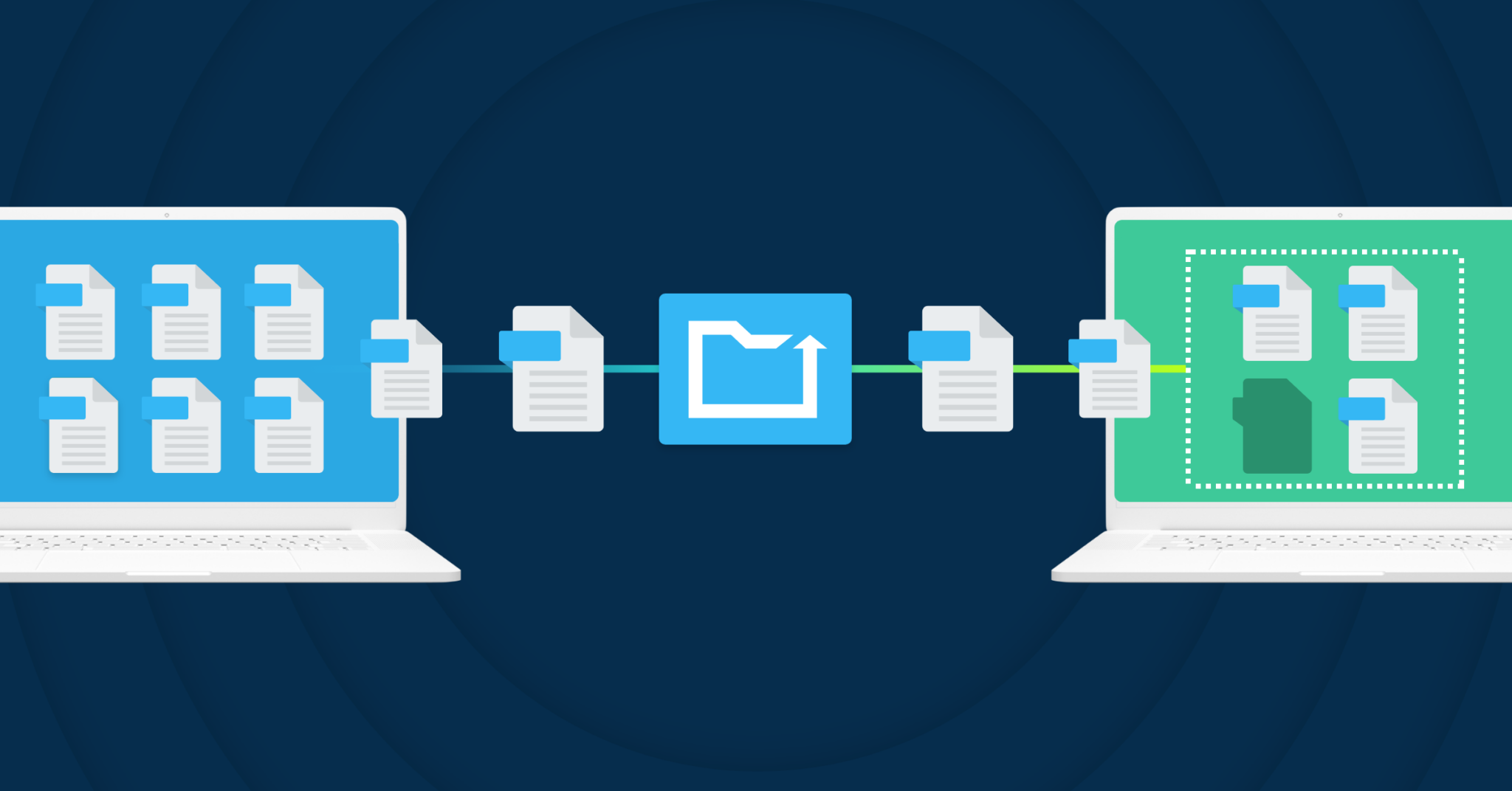
Getting a new computer doesn’t mean you have to upload all your data again. Using CrashPlan’s adoption process, you can transfer your old computer’s identity to your new machine, so you can continue backing up without having to re-send data.

When you choose to adopt a computer with CrashPlan, you’re basically telling CrashPlan to assume the identity of the previous computer’s installation. As a result, CrashPlan takes on the settings, backup file selection and backup archives of the computer that is adopted. If you’ve recently purchased a new computer to replace your current computer, or if you’ve restored your data to a new or reformatted hard drive, you’ll want to go through the adoption steps to pick up your backup where the old one left off.

This video shows the CrashPlan step-by-step adoption procedure:

If you have questions about this or any other CrashPlan process, please connect with a Customer Champion.

Page 1 of 37
  1. 1
  2. 2
  3. ...
  4. Last